
Open the menu under your name at the top of the page and choose "Profile and settings". Your profile is in tabs.
On the "You" tab: 1. Under "My picture", press "Add a picture". JPEG, PNG or WebP, up to 5MB. Square works best. 2. Under "My details", "Your name" is how we greet you and how teachers see you on a class list. 3. "Where you are" is optional. Only the team sees it, unless you choose to show it in the member directory. 4. Press "Save your details".
Teachers also write their short bio and bio here.
The "Sign-in" tab changes your email or your password. A new email address is changed only once you follow the link we send to it.
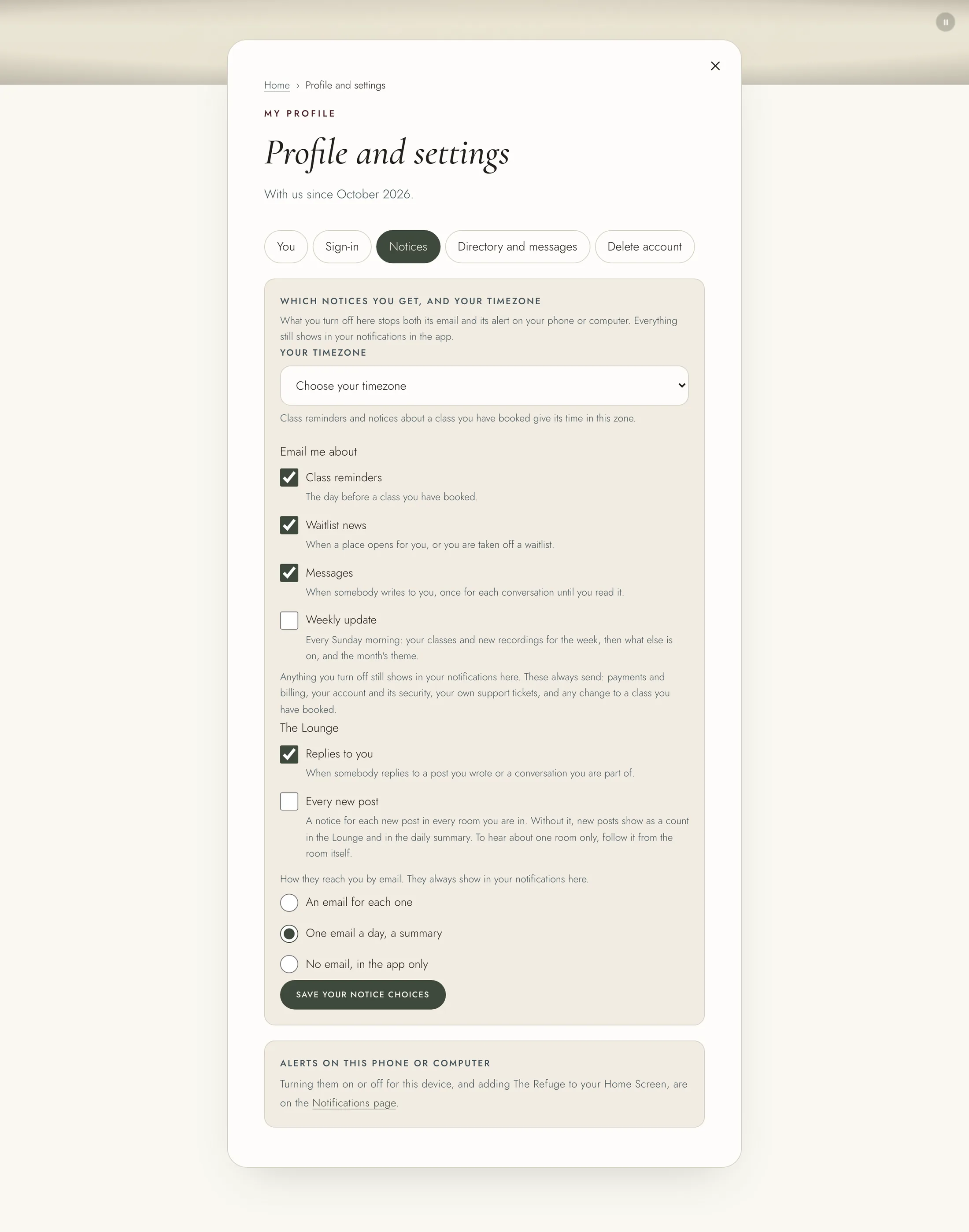
On the "Notices" tab: 1. "Your timezone" is taken from your browser the first time, and you can change it. Class reminders and notices about your classes use it. 2. Under "Email me about", choose Class reminders, Waitlist news, Messages and the Sunday "Weekly update". 3. Under "The Lounge", choose "Replies to you" and "Every new post", and whether they come as an email each, one email a day, or in the app only. 4. Press "Save your notice choices".
Payments, your account's security, your own support tickets and changes to a class you booked are always sent.
On the "Directory and messages" tab, "List me in the Lounge's member directory" lets other Lounge members see your name, your picture and the month you joined, and send you a message. "Show where I am beside my name" adds where you are, so members can find you by it. Press "Save your listing". "Let members send me messages" is on the same tab.