
If you cannot find an answer here, start a support ticket and somebody from the team will help you.
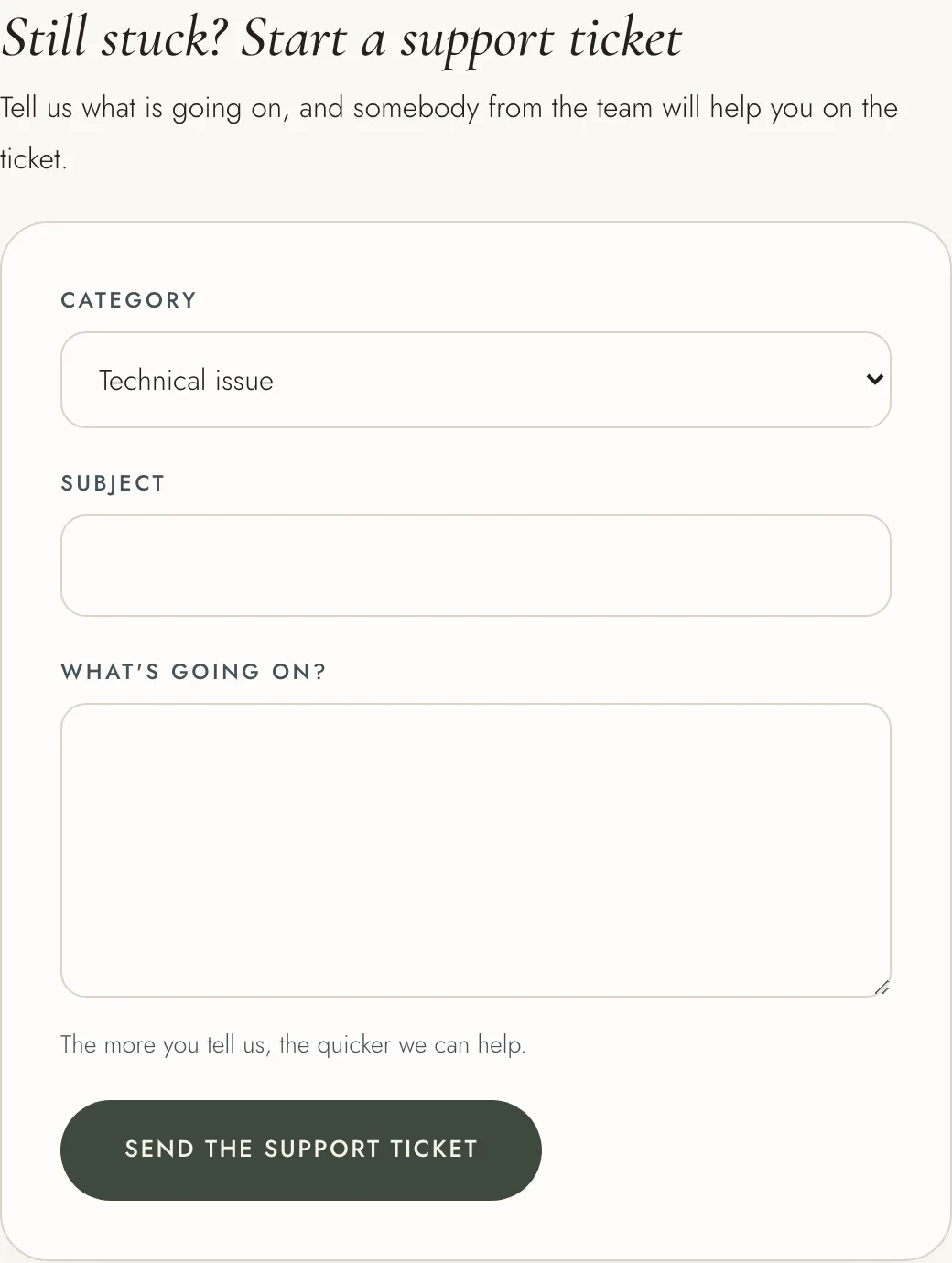
1. Open Support from the menu under your name, or from the link at the foot of any help article. 2. Under "Still stuck? Start a support ticket", choose a category. 3. Give it a subject, and say what is going on. The more you tell us, the quicker we can help. 4. Press "Send the support ticket".
You must be signed in to start one. If you cannot sign in, the sign-in page can email you a link to set a new password.
The ticket opens on its own page. When the team replies, you get an email and a notification. To answer, press "Write a reply", write in "Your reply" and press "Reply". Every reply stays on the ticket, so the whole conversation is in one place.
To find your tickets, open "My support tickets" from the menu under your name, or scroll to that heading on the Support page. Choose All, Still open or Finished. Each ticket shows whether it is open, in progress or finished, and when you started it.
When your question is answered, you can press "Close this support ticket".