
First check that you are using the email address you signed up with. If the page says "That email and password do not match", the email or the password is not the one on your account.
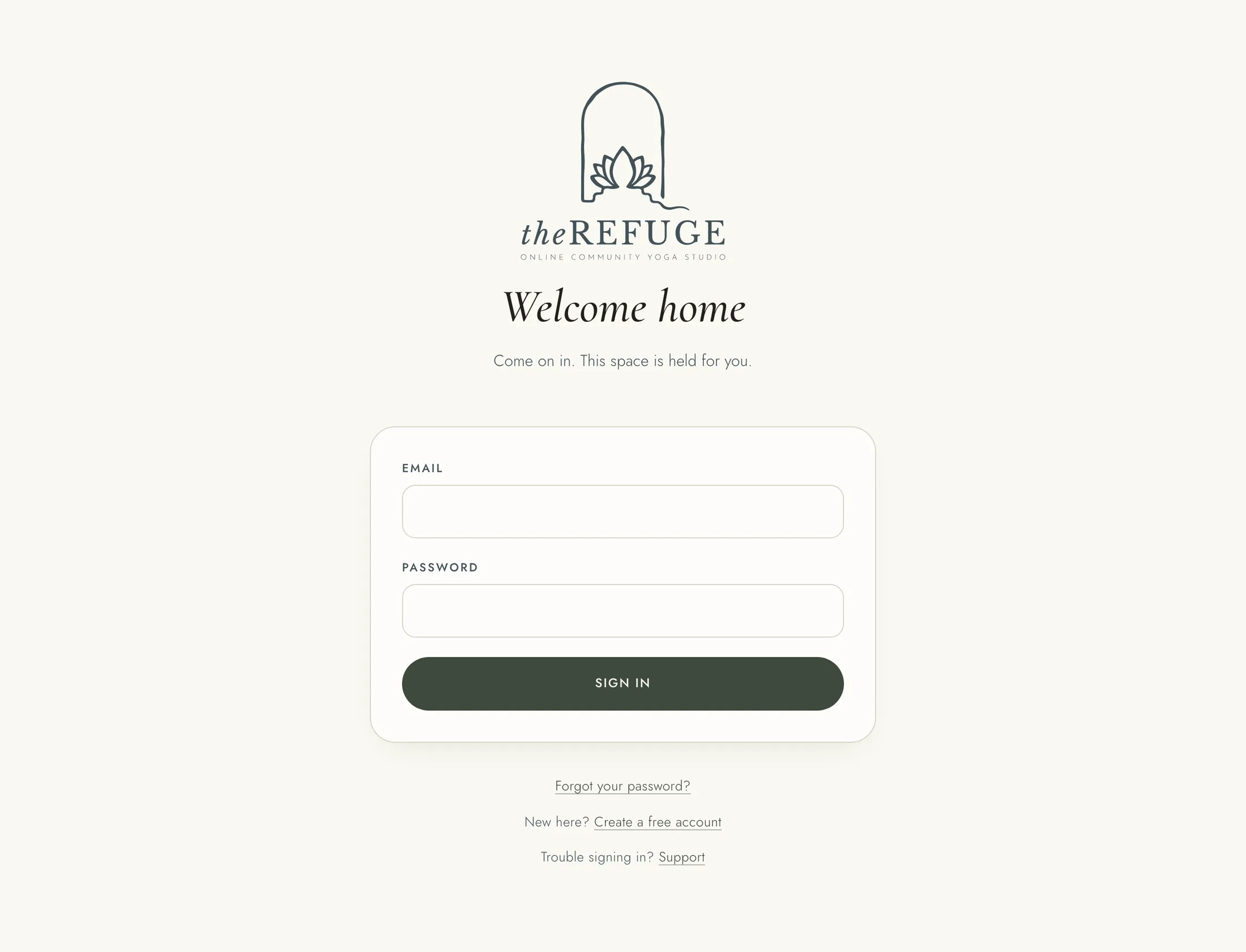
If you have forgotten your password: 1. On the sign-in page, choose "Forgot your password?". 2. Enter the email you signed up with and press "Send the link". 3. Open the email we send you. The link lasts an hour and works once. 4. On the page that opens, press "Continue". 5. Enter a new password of at least 10 characters, type it again, and press "Save it and log in". 6. Sign in with your new password.
If the link has run out or was already used, the page says so and offers a fresh one: press "Send me a new one", or enter your email again on "Reset your password". An invitation link that has run out offers "Email me a fresh link" in the same way.
If no email arrives, look in your Junk or Spam folder. If you are told there have been too many tries, wait a few minutes before asking again.
If you are told to confirm your email first, open the confirmation link we sent when you created your account. The "Check your email" page that opened then can send it again.
If the page says your account is suspended, write to connect@therefuge.community.
Still stuck? A support ticket needs you signed in, so write to connect@therefuge.community from the address on your account.
If you are signed in and want to change your password, open the menu under your name, choose "Profile and settings", then the "Sign-in" tab.