
A gift membership is paid once, for one, three, six or twelve months, and does not renew.
To give one: 1. Open the menu under your name and choose "Give a membership", under "Sharing". 2. Choose the membership and how long it is for. 3. Enter their name and their email. A message is optional. 4. Press "Continue to payment" and pay on the secure payment page.
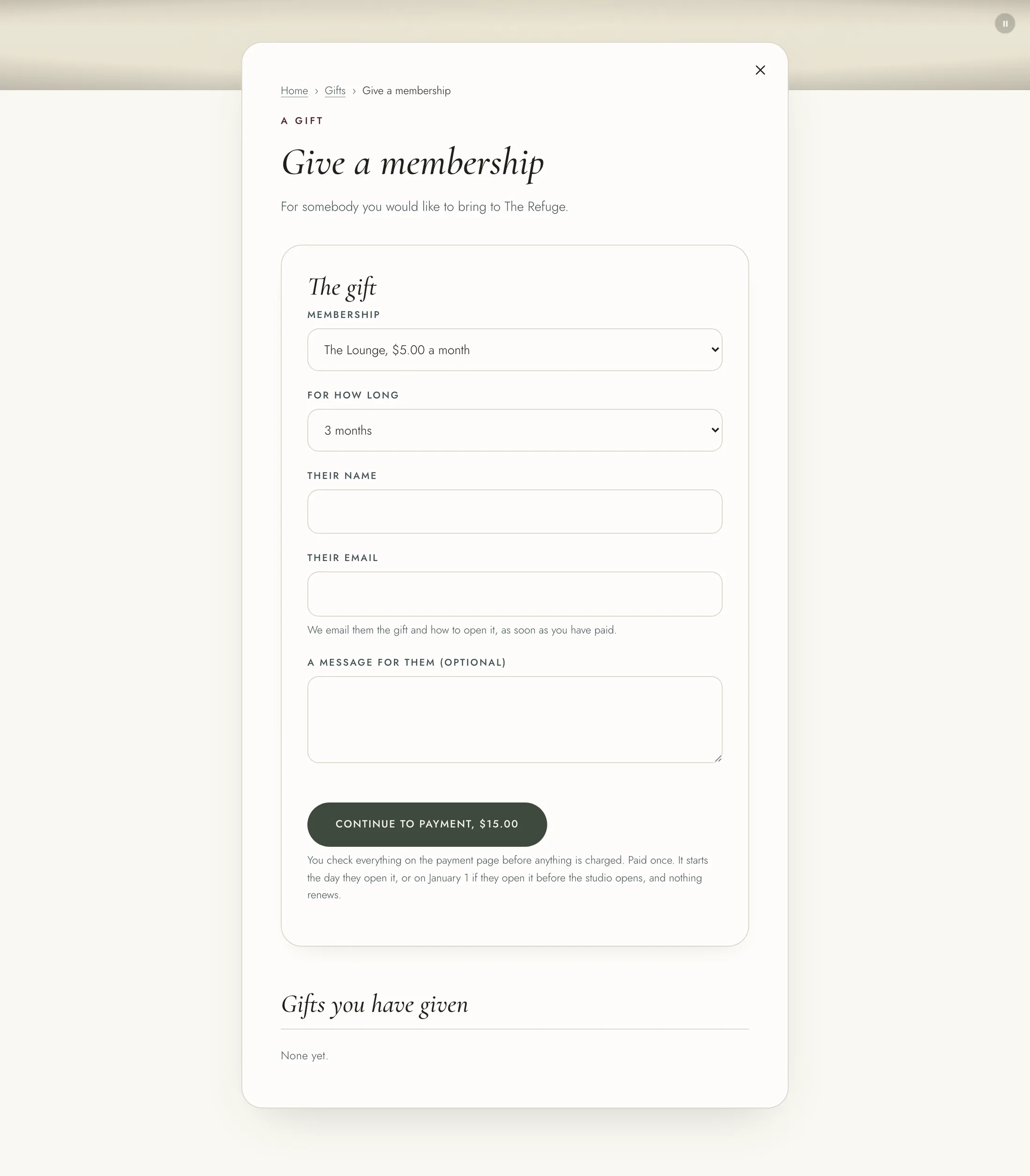
As soon as you have paid, we email them the gift and how to open it. Your gifts are listed under "Gifts you have given" on the same page. If a gift is refunded, it ends, whether or not it has been opened.
To open a gift you were given: 1. Press "Open your gift" in the email. It also carries your code. 2. Sign in, or press "Create a free account" if you are new. 3. Check the code under "Your code" and press "Open my gift".
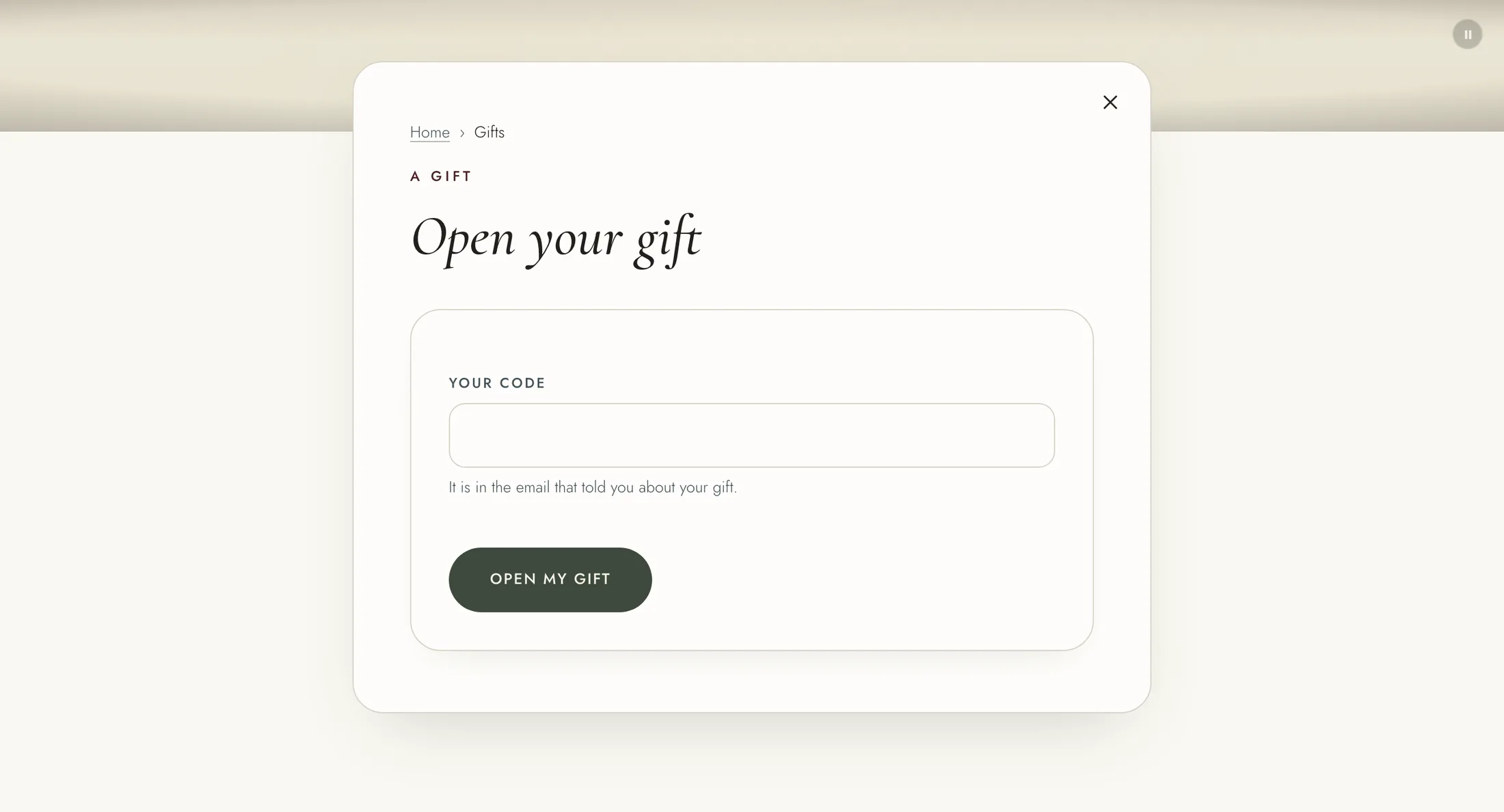
The gift starts the day you open it, or on January 1 if you open it before the studio opens. If you already hold a gift of the same membership, the new one starts when that one ends.
A gift does not stop a membership you already pay for. If you do not need both while the gift runs, you can cancel yours on "Membership and billing".
We remind you a week before your gift ends, and the day before. To carry on, go to "Membership and billing" and press "Add your card". Nothing is charged until the gift ends.