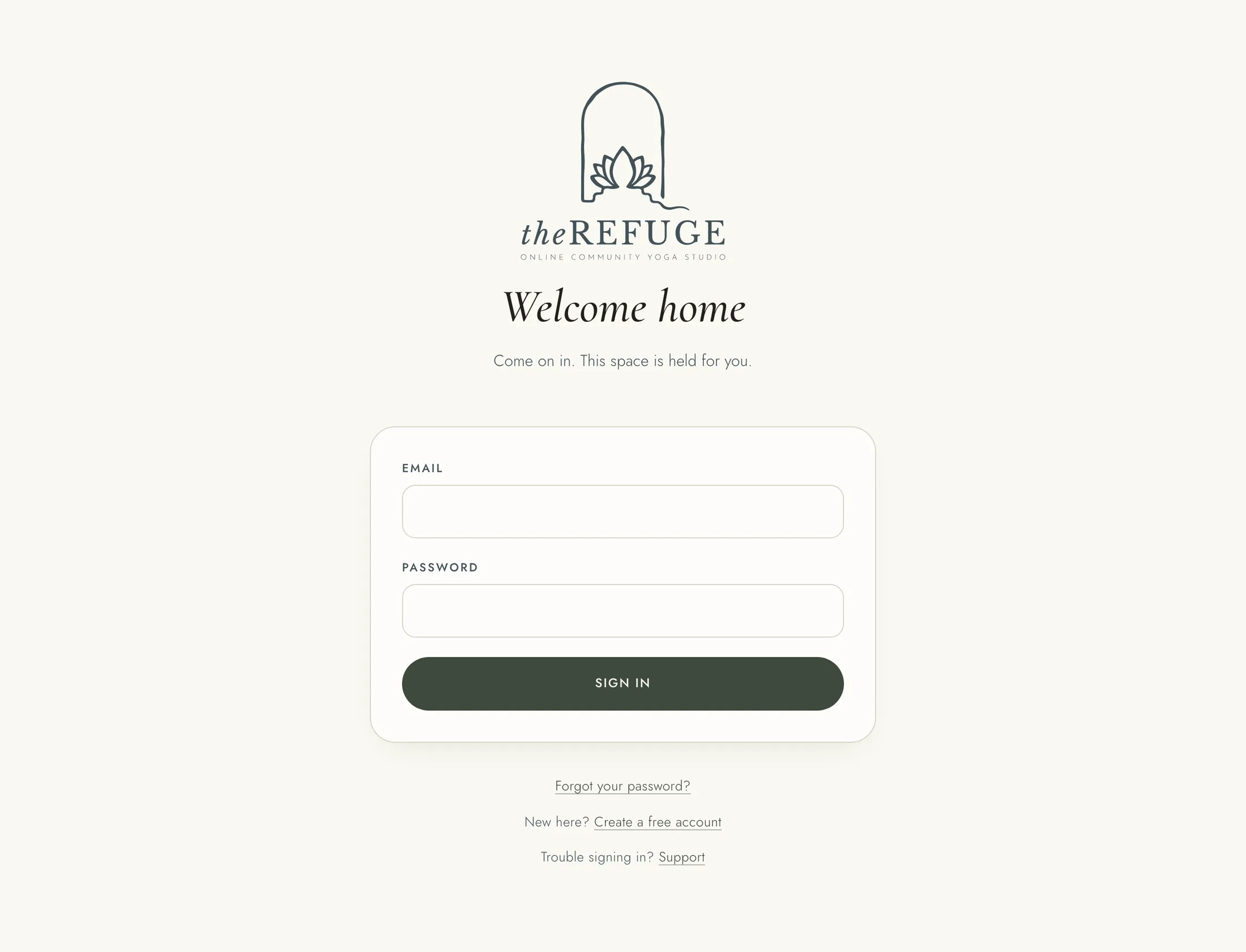
An account is free, with no card needed. You can look around first and choose a membership when you are ready.
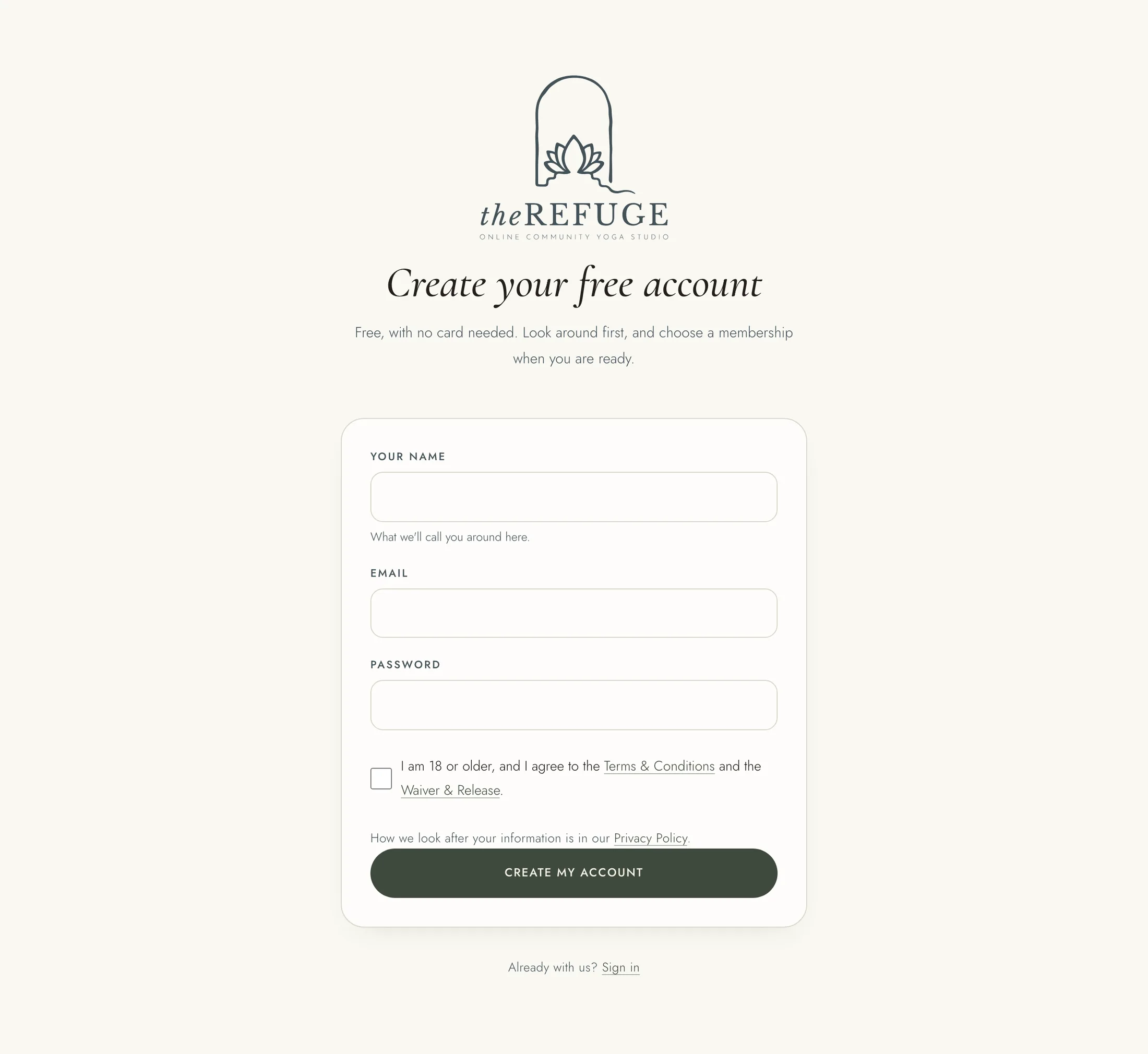
To create your account: 1. Choose "Create a free account" on the sign-in page, or "Join" at the top of the site. 2. Enter your name, your email and a password. 3. Tick the box to say you are 18 or older and agree to the Terms & Conditions and the Waiver & Release. 4. Press "Create my account". If you came from a membership's Join button, the button reads "Create my account and go to payment", and payment is the next step.
Next you see "Check your email". We send you a confirmation link. Open it, and a page called "Confirm your email" opens. Press "Confirm my email" to confirm your address and sign in. The link works once, which is why it waits for you to press the button.
If the email has not arrived after a few minutes, look in your Junk or Spam folder. On the "Check your email" page you can enter the email you signed up with and press "Send the link again".
If the team invited you, your email has a link to "Choose my password". Choose a password of at least 10 characters, type it again, and press "Save my password".
To sign in later, choose "Sign in" at the top of the page, enter your email and password, and press "Sign in". If you are told to confirm your email first, open the confirmation link we sent you.