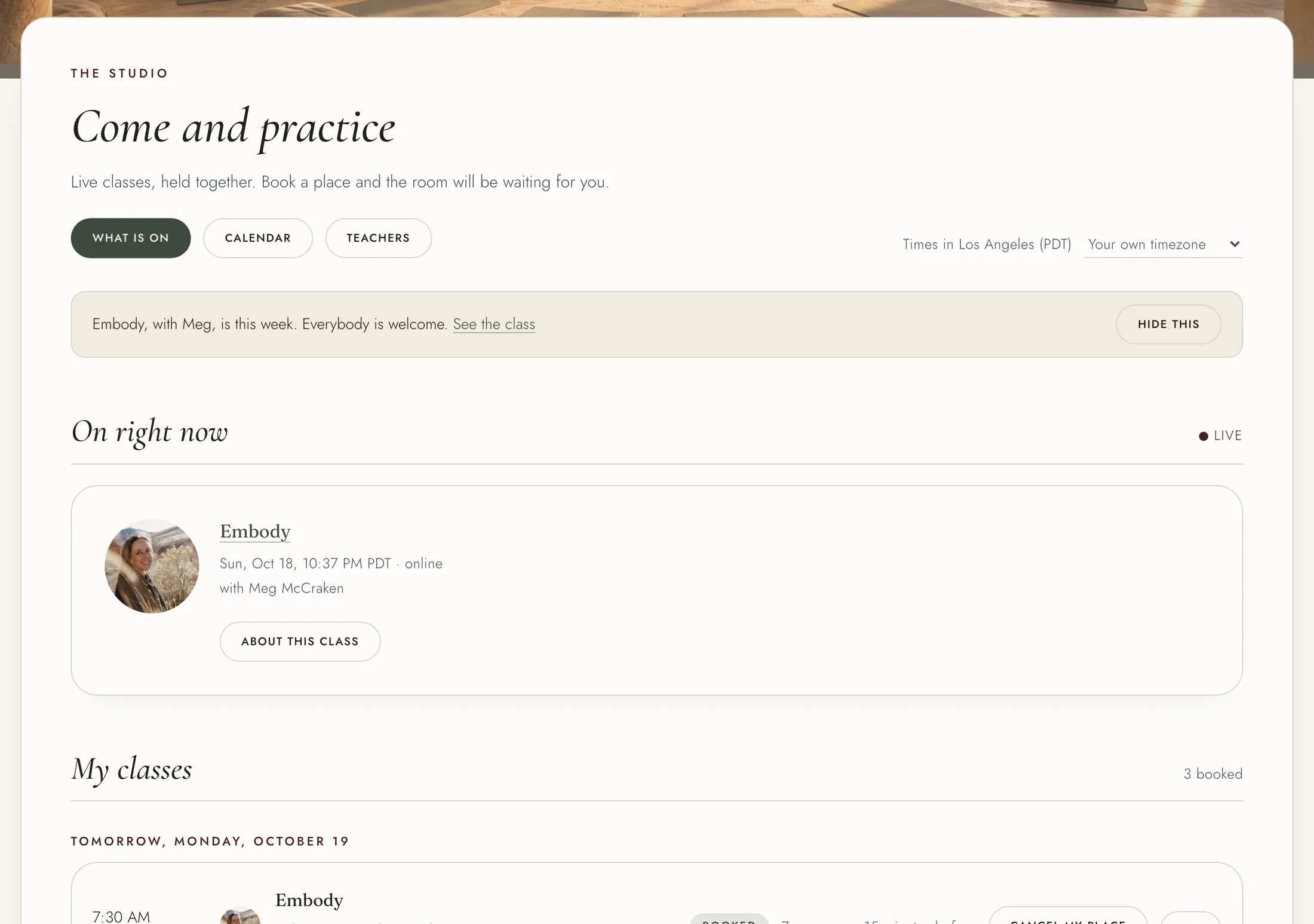
The Studio lists every class coming up, with times in your own timezone. The "Times in" line near the top says which zone, and lets you change it.
Your booked classes are at the top, under "My classes", with what is on this week below. "Calendar" shows the month, and "Practice" and "Teacher" narrow the list.
Choose a class to open its page: what it is, who teaches it, and which memberships include it.
To book: 1. If your membership includes the class, press "Book a place". 2. If it is a single live class, press "Book a place" with its price and pay on the secure payment page. A promo code box and any member discount are shown there. 3. If the class is held both online and in person, choose Online or In person under "How you are coming". Online has no limit. If the room is full, book online and join the waitlist for the room.
[picture: https://aogytyrxzklazejkzuxr.supabase.co/storage/v1/object/public/site-images/help/article-class-page.webp | A class page with Book a place and How you are coming]]
If a class is full, press "Join the waitlist". The page tells you your place in line. If a place opens, it is yours, and we email you. "Leave the waitlist" takes you off.
Once booked, the class page offers "Add to Google Calendar" and "Add to Apple or Outlook calendar". On the Studio list they are under "More" beside the class. We also email a reminder the day before, unless you turned class reminders off on your profile.
To give up a place, press "Cancel my place" on the class or in "My classes". If you paid for it, what you paid becomes credit for any class, recording or program.