
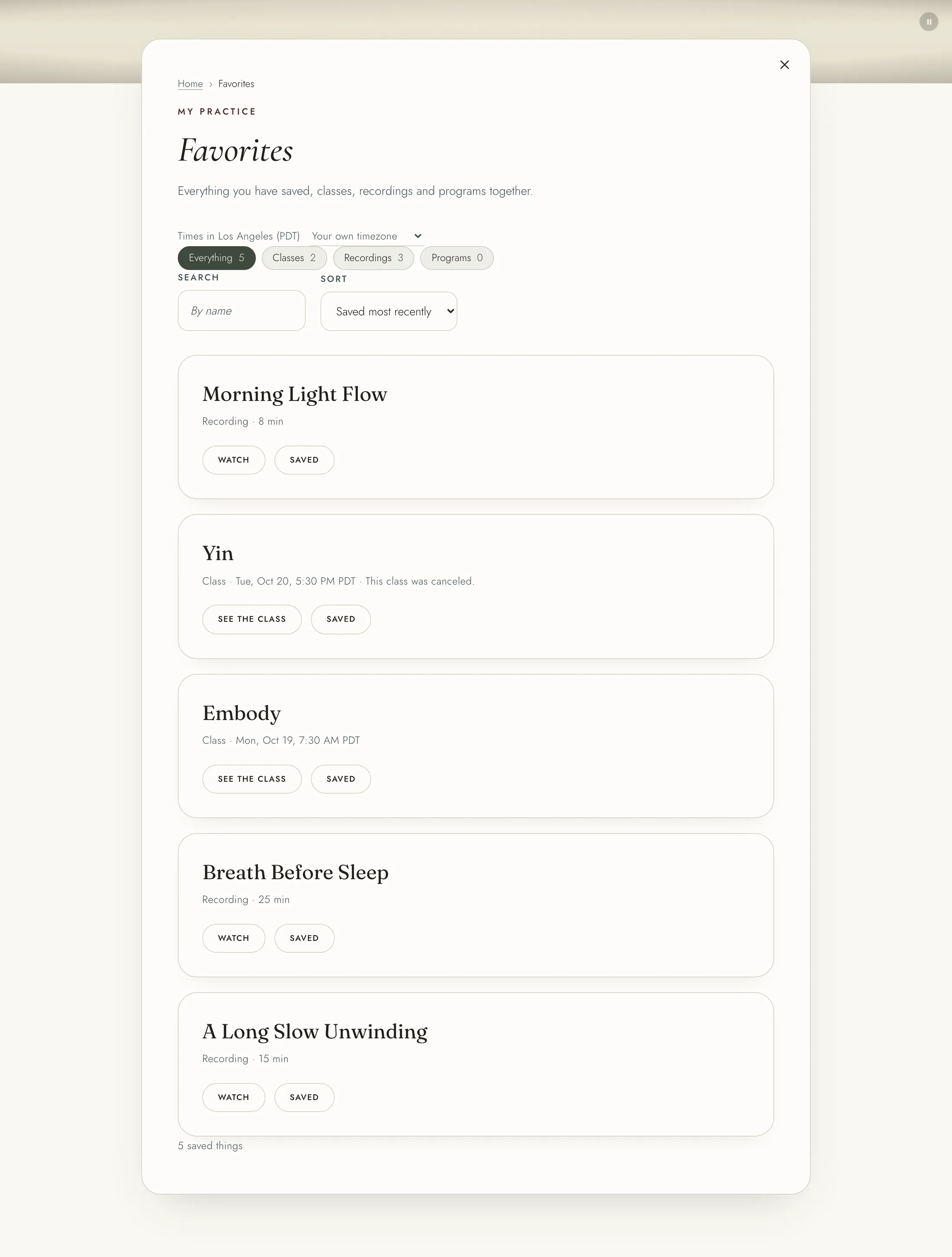
Save a recording, a class or a program to come back to it. Press "Save" on a recording in the Library, on a recording's page, on a class in the Studio, or on a program's page. On a class's page the button reads "Save to favorites". Once saved it reads "Saved" or "In your favorites", and pressing it again takes it out.
To see everything you saved, open "Favorites" from the menu under your name. Choose Everything, Classes, Recordings or Programs at the top. Use "Search and sort" to find something by name, or sort by when you saved it, by name, or classes soonest first. If something you saved is taken off the shelf, the page says so, and it comes back if the recording does.
Downloads are files to keep, such as guides and class handouts. Open "Downloads" from the menu under your name. The page shows guides from the team, and the handouts of the classes and programs you are in, grouped by class or program. Choose Everything, From the team, Classes or Programs, or search by name or class.
A class's handouts open for you once you have booked a place in it, and a program's once you have bought it. You also find them under "Downloads" on the class's or program's own page. Some handouts of a weekly class are for chosen weeks only, so they show for the classes on those dates.